Certified Ekasi Computer Technician
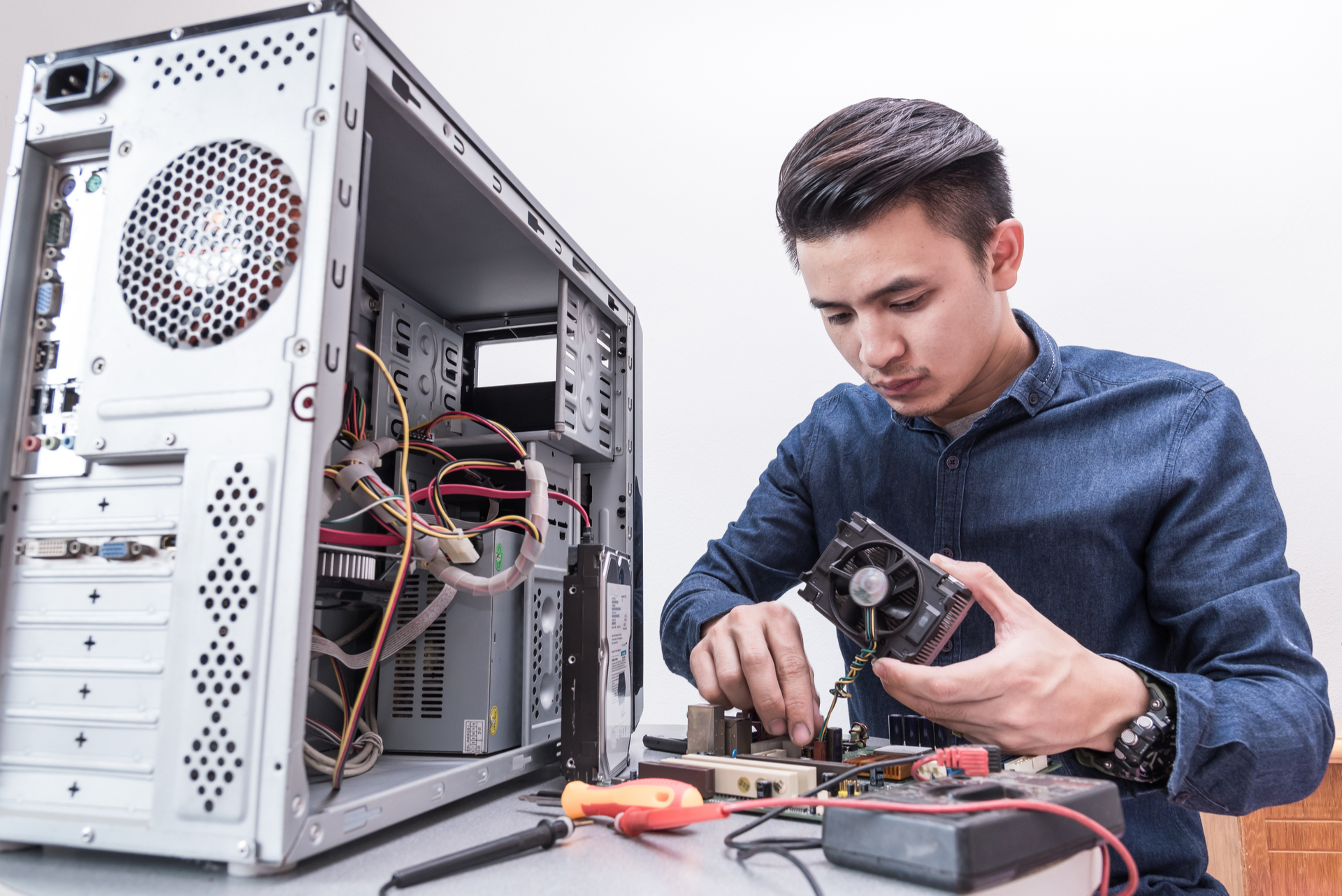
Certified Ekasi Computer Technician
The Certified Computer Technician program is designed to equip individuals with the essential skills and knowledge required to install, maintain, troubleshoot, and repair computer hardware and software. The course covers fundamental concepts in computer systems, operating systems, networking, security, and customer support, preparing participants for entry-level IT roles.
Course Description
The Certified Computer Technician program is designed to equip individuals with the essential skills and knowledge required to install, maintain, troubleshoot, and repair computer hardware and software. The course covers fundamental concepts in computer systems, operating systems, networking, security, and customer support, preparing participants for entry-level IT roles.
Learning Outcomes
✔ Assemble, upgrade, and repair desktop and laptop computers.
✔ Install, configure, and troubleshoot operating systems and software.
✔ Diagnose and resolve common hardware and software issues.
✔ Perform basic network setup and troubleshooting.
✔ Apply cybersecurity fundamentals to protect systems.
✔ Provide effective technical support and customer service.
Target Audience
Aspiring IT professionals seeking entry-level roles.
Students and graduates pursuing a career in computer repair.
Anyone intrested in starting a Computer Repair Shop
Office support staff responsible for maintaining IT equipment.
Entrepreneurs or small business owners managing their own IT infrastructure.
Anyone interested in gaining practical computer repair skills.
Curriculum Locked
Sign in to view the full curriculum and course structure.
Sign In to ViewCertification Details Locked
Sign in to view certification requirements, exam details, and your progress toward earning this certificate.
Sign In to View